
Built for real office + field coordination
The products are structured around service workflows, not generic boards with a better color palette.
Kindhearted ties together the office and field workflows that usually get scattered across six disconnected tools. The result is less re-entry, less handoff loss, tighter control, and faster billing and payment as the company grows.
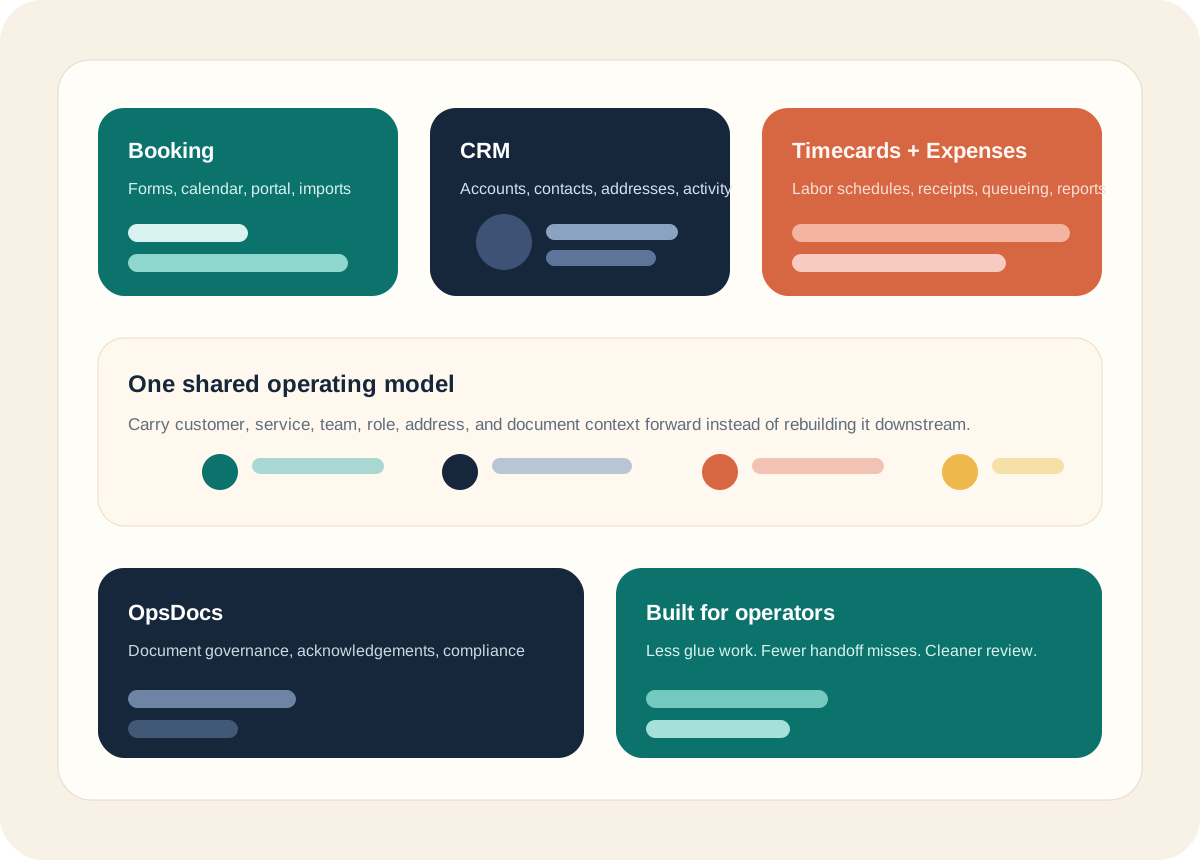
The products are structured around service workflows, not generic boards with a better color palette.
Teams, services, roles, accounts, addresses, and document scope show up where they matter instead of being retyped downstream.
Imports, schedules, acknowledgements, queues, and reports are surfaced as workspaces the team can actually manage.
Company setup, users, billing, subscriptions, and integrations are managed centrally so the operational apps can share the same structure.
The Admin App is where company profile, structure, apps, billing, and integrations are managed before the operational apps use that context.
User management gives the office one control surface for apps, access, and staff setup.
The directory helps teams understand who belongs to which parts of the operation.
Staff wages can follow the same division and service structure used by Timecards and other operational apps.
Admins can review the apps a staff member can use and keep access aligned with their role in the company.
The suite is modular, so teams can start with the products they need and expand over time.
Stripe, Twilio, domains, and other shared settings are managed where the suite can reuse them.
Each product solves a specific operational problem, but the sales story gets stronger when the same business context can travel between them.
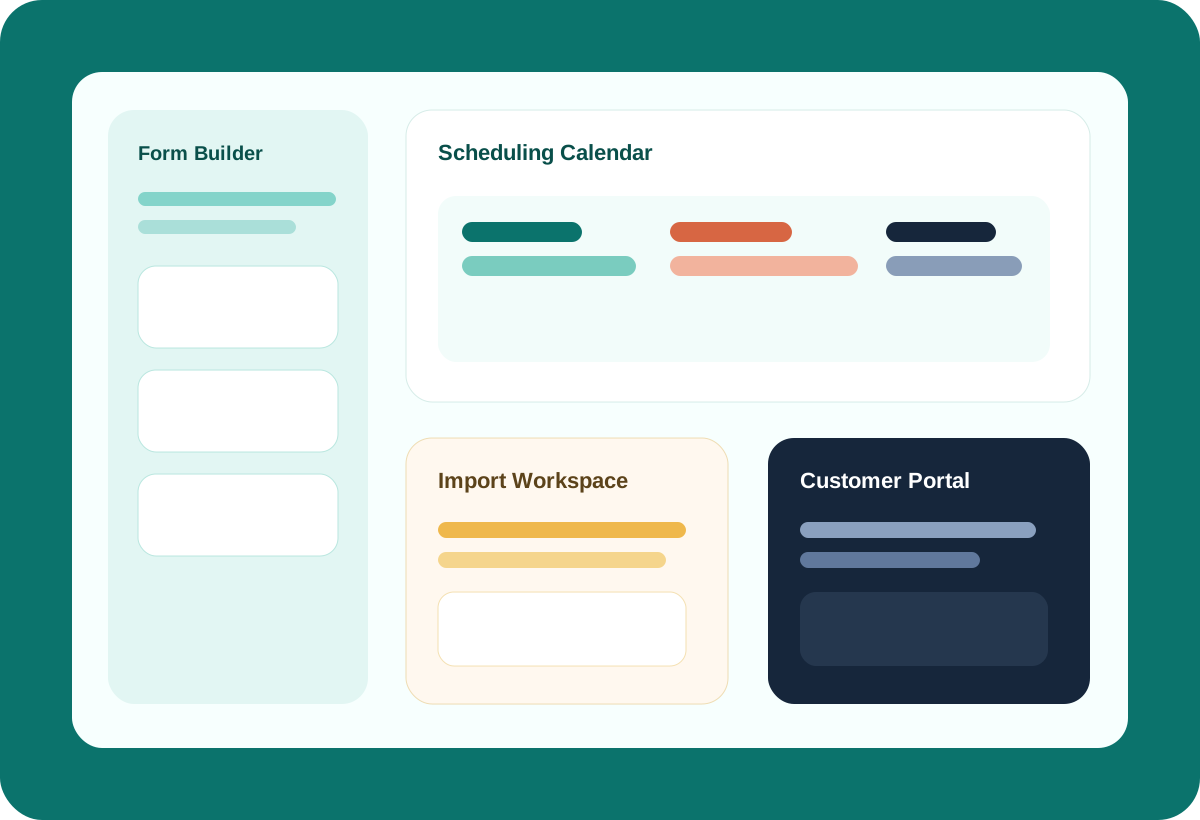
Booking gives service teams a real front door for intake, scheduling, portal updates, and importing bookings from any system that can export them, so jobs can move forward with less office rework.
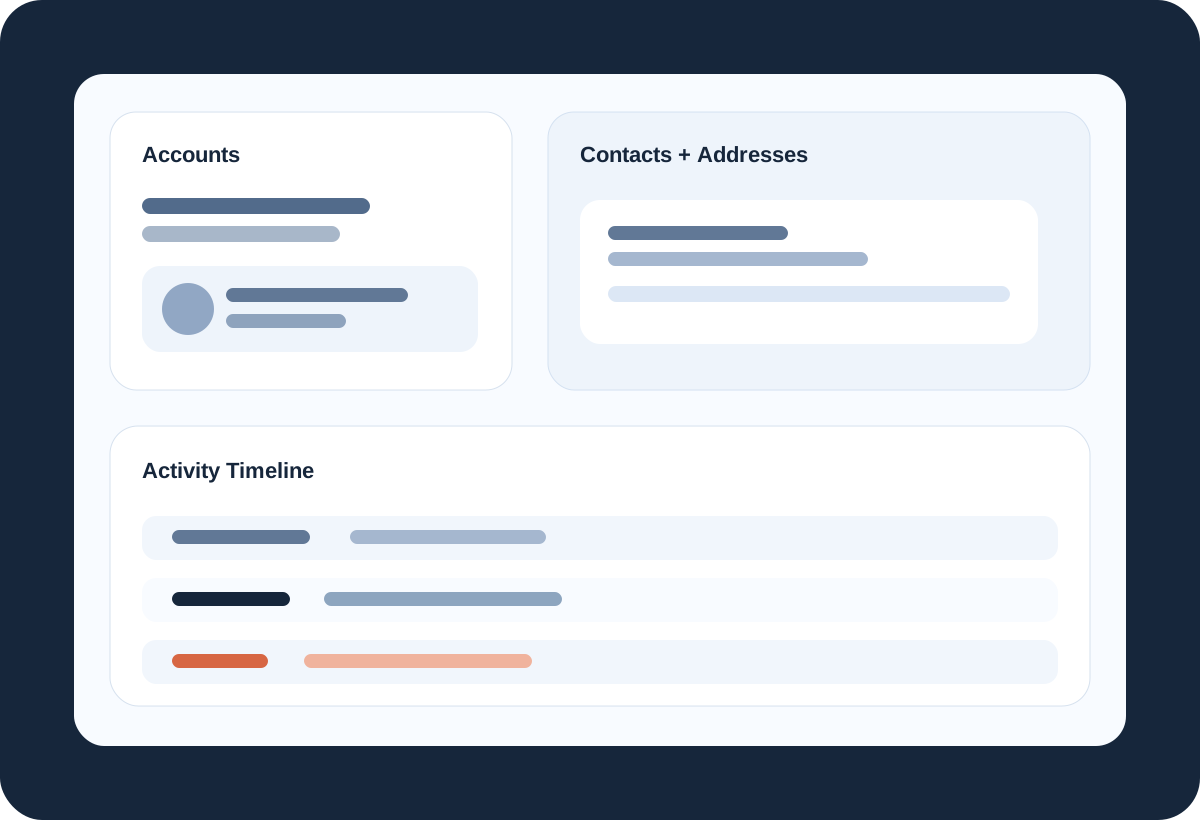
CRM is built around real account records, linked contacts, address management, and event history so office teams can see the state of a relationship without stitching together inboxes, notes, and spreadsheets.
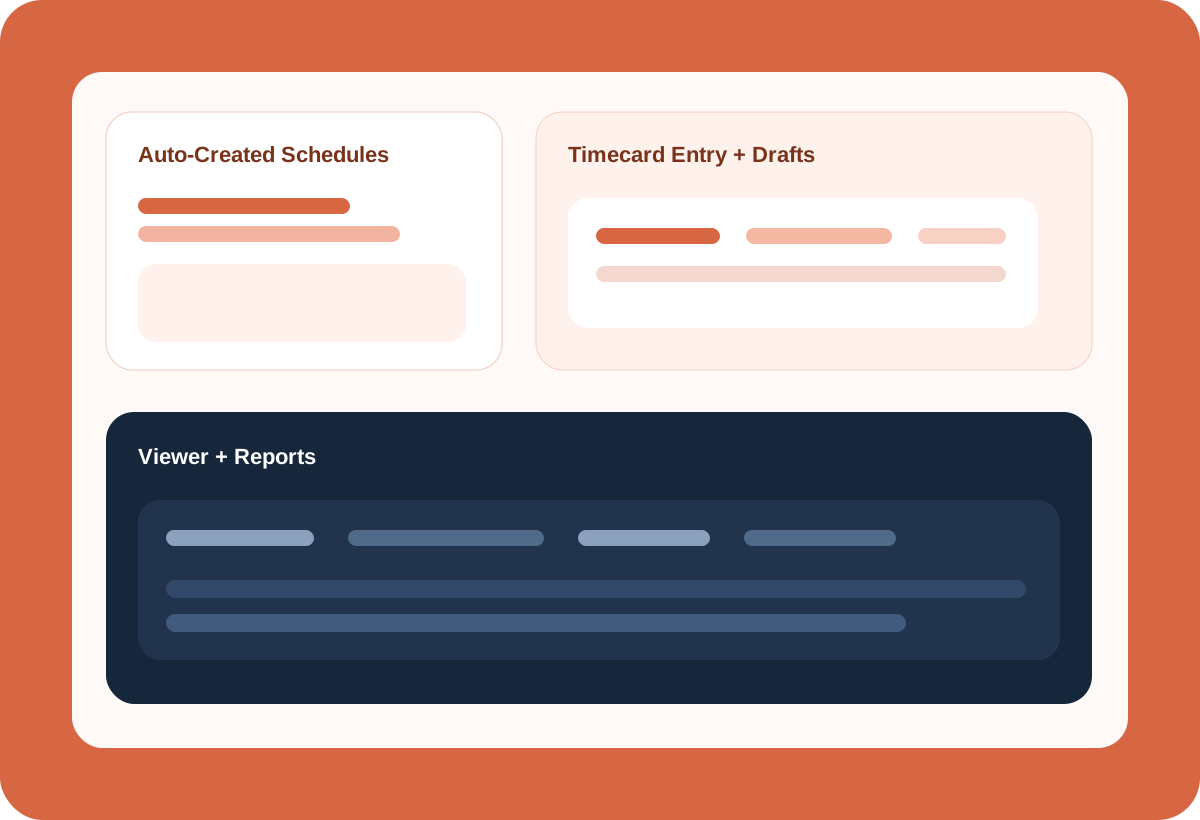
Timecards covers manual entry, approvals, reporting, and auto-created timecards from Booking so labor tracking stays fast for both recurring work and day-to-day exceptions.
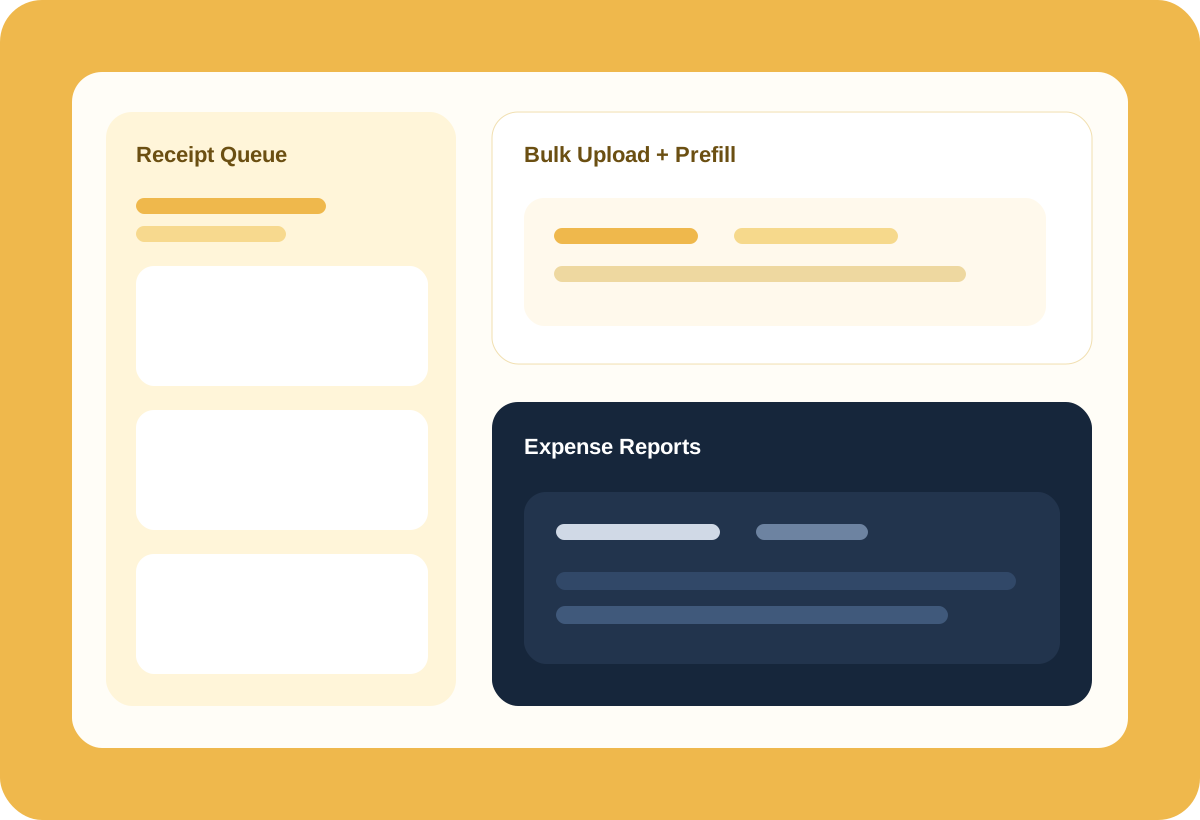
Expenses covers entry, bulk upload, auto-completed expense details, receipt queues, and reporting so spend tracking moves faster for both field and office teams.
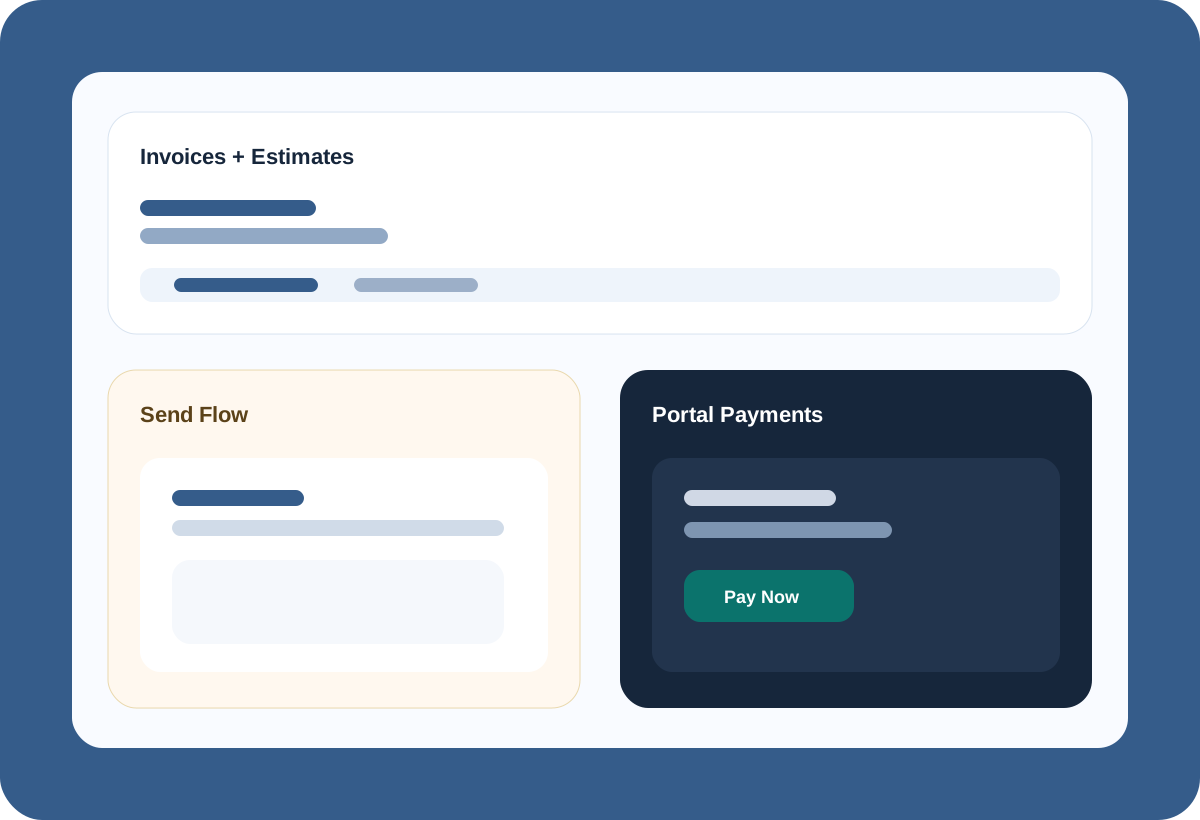
Invoice covers auto-created invoices from bookings, converting estimates or invoices into multi-service bookings, customer portal payments, taxes, notes, and operational billing settings so invoicing is treated like an operational workflow instead of a last-step PDF export.
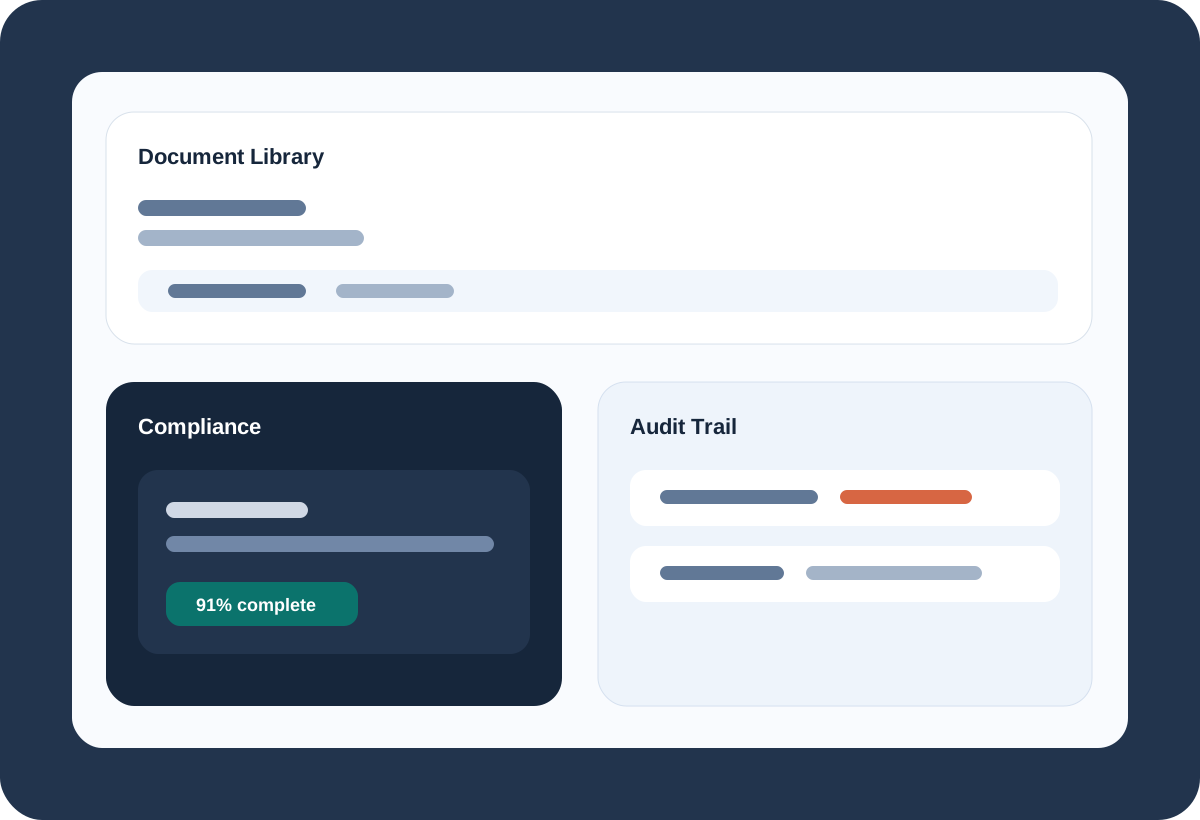
OpsDocs puts training manuals, SOPs, equipment guides, and company documents at your staff’s fingertips, while still giving managers the visibility to track acknowledgements and document history in one operational system.
Use custom forms, account records, and intake structure to collect better information before the team acts.
Schedule the job, track labor, capture spend, and keep the customer record current from the same operating model.
Use compliance dashboards, timelines, reports, and portals so the business does not rely on memory alone.
Timecards can be created directly from bookings, so labor tracking can start automatically.
Invoices can be created directly from bookings, so billing starts with the real job details already in place.
Customer, account, contact, and address context can stay attached as work moves through the suite.
Training manuals, SOPs, and other company documents stay at your staff’s fingertips when they need them.
Set your company structure up one time, in one place, and use it throughout the suite so permissions, rules, and daily workflows make sense out of the box.
Used in-house by the service business that built it.
Start with the products that remove the most operational drag first, then expand into the rest of the suite.