
Turn receipt chaos into a manageable queue
Uploads should not disappear into an email thread or somebody’s phone.
Expenses covers entry, bulk upload, auto-completed expense details, receipt queues, and reporting so spend tracking moves faster for both field and office teams.
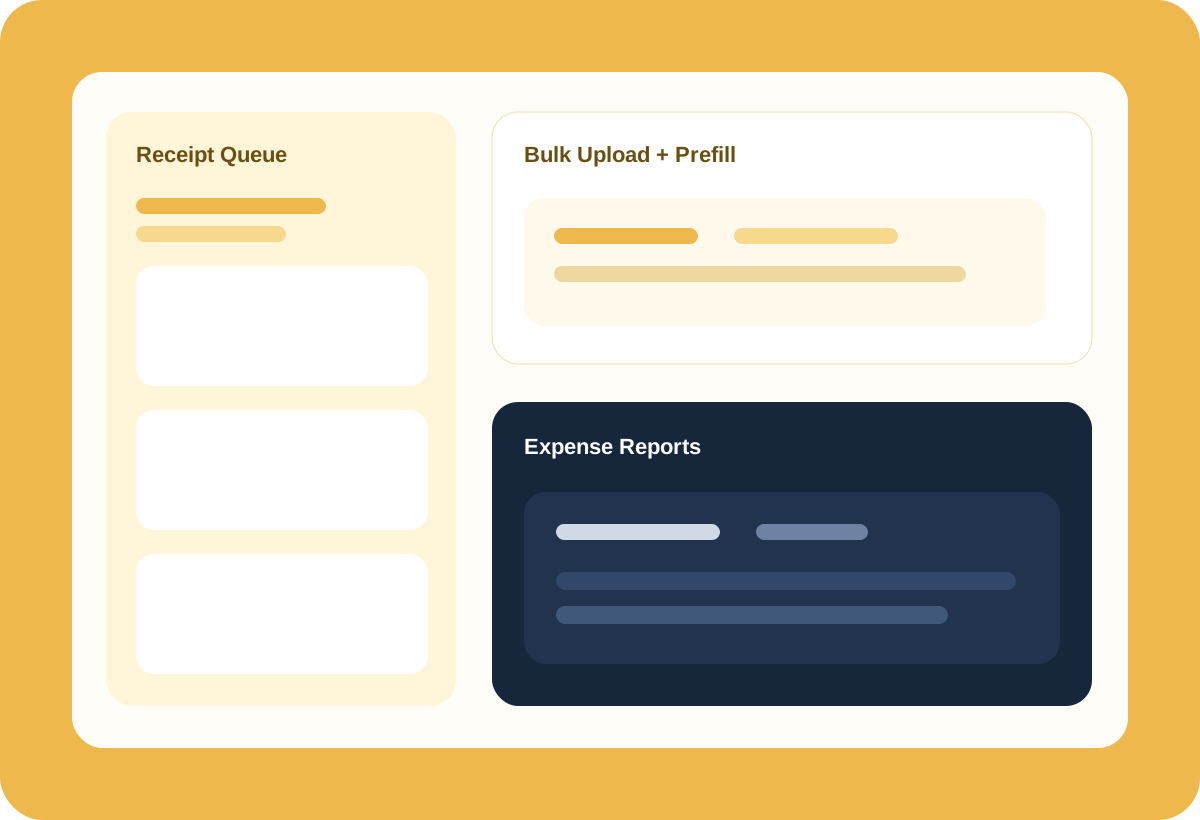
Uploads should not disappear into an email thread or somebody’s phone.
Jobs, divisions, services, teams, and staff all matter when reconciling spend.
Entries, viewer screens, and reports live in the same flow.
Upload receipt photos or files and let the system auto-complete key expense details, while still supporting batch naming, staff and job prefills, and queue-based follow-up where needed.
Division, service, team, role, category, and payment type can all be carried through the expense record to support bookkeeping, cleaner accounting records, and exports that make life simpler for your bookkeeper and external software.
Expense viewer pages, detail reports, export settings, and permissions are already part of the product surface, which makes it easier to operationalize spend review.
When staff, jobs, divisions, services, and payment context are captured early, review and reporting stop turning into cleanup projects later.
These are anonymized in-product views, included to show how the workflow actually feels once your team is inside the app.
The dashboard keeps pending, approved, and paid-out expense work visible without exposing unnecessary payroll-style metrics.
Uploaded receipts can become structured expense records faster, while still letting staff review and correct the result.
The viewer gives managers and office teams one place to check claimed amounts, receipts, confidence, and payment state.
Payout views show who was paid and which expense records made up the total.
Batch uploads support prefills so the office is not starting from a blank record for every receipt.
Expense entries can stay closer to the job, division, and service work that created the spend in the first place.
Worked time and spend can be reviewed through a more consistent operational lens.
Get cleaner visibility into field spend without a separate patchwork process.
Turn receipt handoffs into a real queue instead of a loose collection problem.
Tie spend back to jobs, teams, and services more reliably.
The strongest value comes from setting your structure up once and carrying the right context through bookings, labor, billing, and documents without rebuilding it at every step.