
Make policy visibility operational
Published documents and acknowledgements should be tracked, not assumed.
OpsDocs puts training manuals, SOPs, equipment guides, and company documents at your staff’s fingertips, while still giving managers the visibility to track acknowledgements and document history in one operational system.
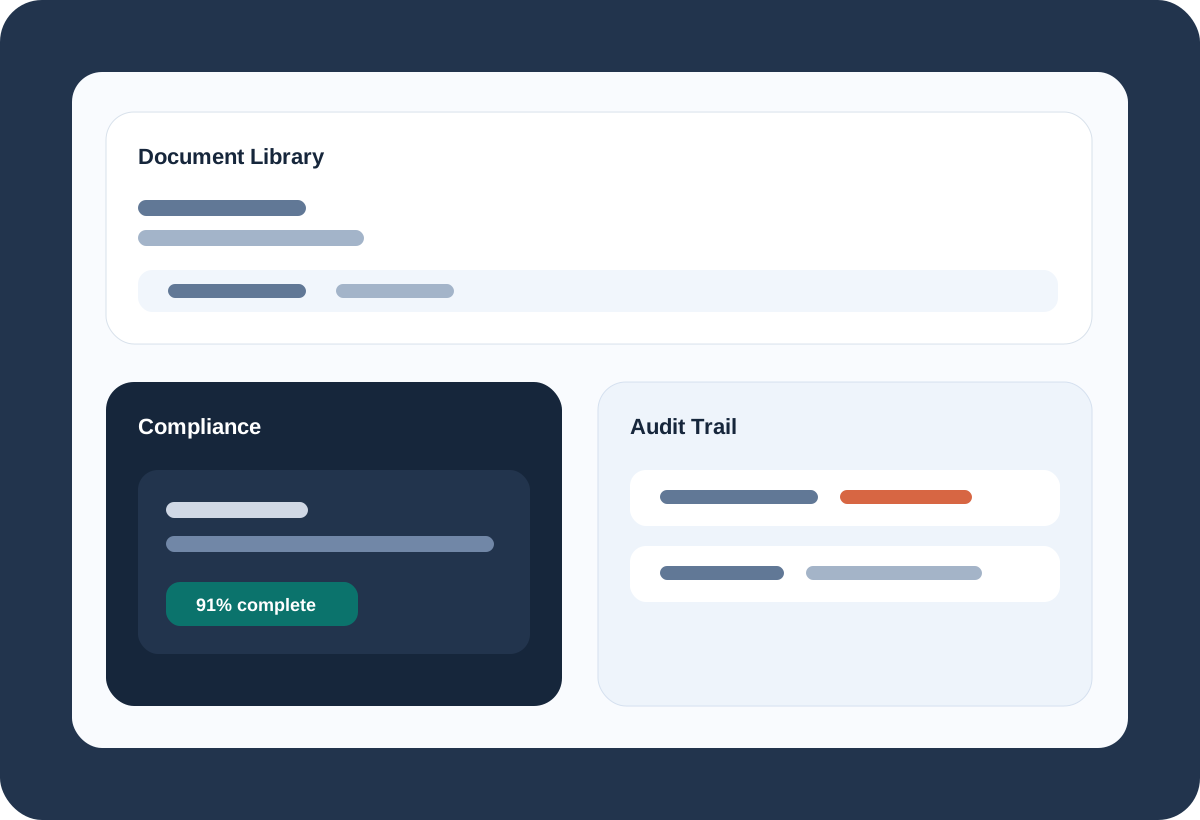
Published documents and acknowledgements should be tracked, not assumed.
Version-specific compliance matters when procedures change.
Document actions should not disappear into one admin account.
OpsDocs keeps company-wide and scoped documents available to staff when they need them, so the right manuals, SOPs, and instructions are ready on site instead of buried in chats or folders.
The compliance dashboard shows which documents require acknowledgement, who has completed them, and which version each staff member has actually seen and read.
Managers can control who sees what, require acknowledgements where needed, and keep a reliable audit history of document activity without building a separate process around it.
Manuals, SOPs, equipment guidance, and policy updates save management time when the team can read, follow, and acknowledge the right version without chasing someone down.
These are anonymized in-product views, included to show how the workflow actually feels once your team is inside the app.
Filtered document access helps staff get to SOPs, manuals, and company-wide guidance while they are doing the work.
OpsDocs keeps operational documents available in the workflow instead of buried in old folders, message threads, or office binders.
Staff can see what still needs attention, which reduces follow-up work for managers and keeps policy changes moving.
Upload, create, template, and bulk-upload paths make it practical to keep operational documentation current.
Managers can see required documents, acknowledgement counts, completion percentages, and staff status from one dashboard.
Permission and acknowledgement settings help keep document access aligned with real operating responsibilities.
Document types and global types help teams keep SOPs, training materials, policies, and manuals easier to browse.
When manuals, SOPs, equipment instructions, and issue guides are available on site, staff can solve more problems without waiting for management to explain the same thing again.
Clear operational documents reduce repeat questions, speed up training, and make it easier to keep work consistent as the team grows.
Move compliance and policy visibility into a trackable operational system.
Publish, assign, and verify documents without separate trackers.
See the documents that matter and access them in a cleaner workflow.
The strongest value comes from setting your structure up once and carrying the right context through bookings, labor, billing, and documents without rebuilding it at every step.