
Customer accounts + activity

Keep customers, contacts, sites, and activity in one operational CRM your team will actually use.

CRM is built around real account records, linked contacts, address management, and event history so office teams can see the state of a relationship without stitching together inboxes, notes, and spreadsheets.
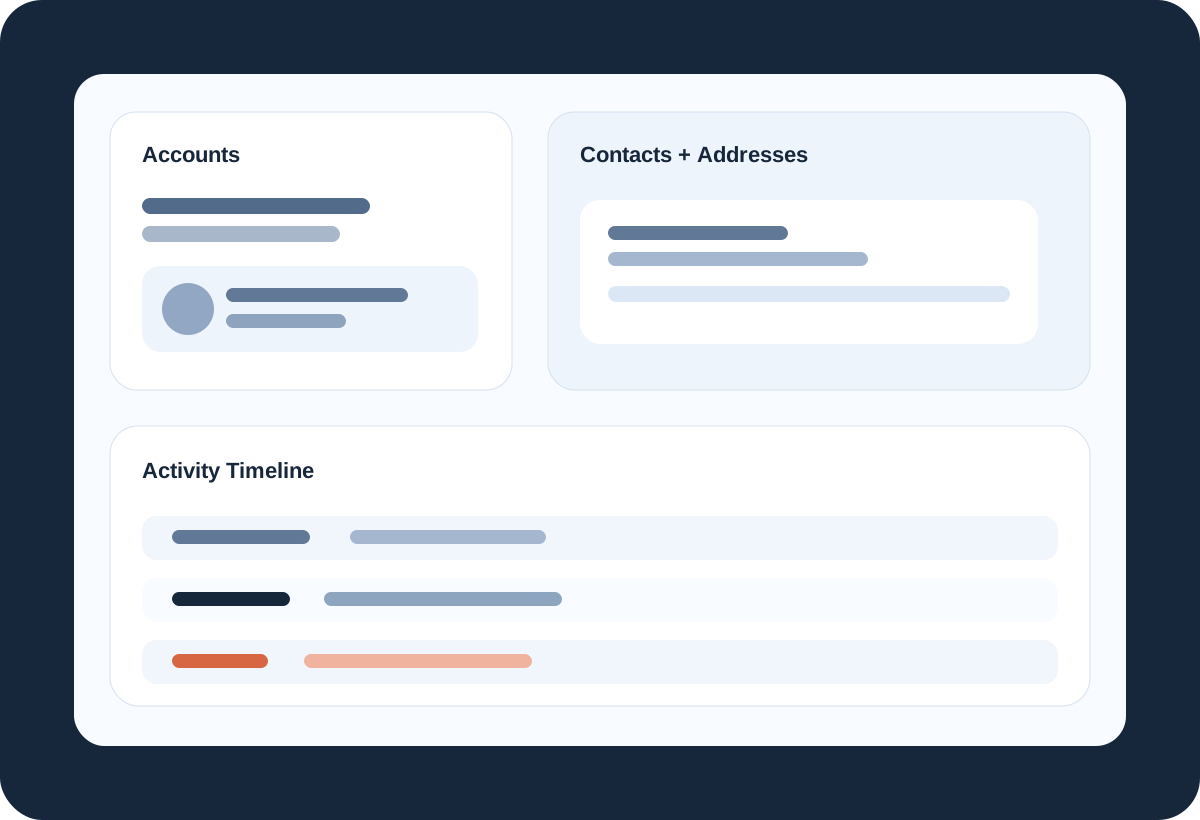
  • Account records with statuses, notes, and multi-address management
  • Contacts with saved addresses, linked accounts, imports, and profile editing
Accounts Contacts Address management Activity timeline
CRM product visual
Operational outcomes

Why teams buy CRM in the first place.

Stop losing context between office staff

Every note, contact, and linked site should not live in somebody’s memory.

Manage people and places separately

The product distinguishes firm accounts, contact records, addresses, and linked relationships.

See operational activity as it happens

Bookings, jobs, shifts, and manual notes can live in one timeline.

Feature translation

What teams can actually do with it.

01

Account profiles with site-aware address handling

CRM accounts support statuses, notes, address books, default addresses, grouped contacts by address, and quick address management. That is stronger than a flat “customer list” approach.

Account details Manage addresses Default sites Address-linked contacts
02

Contact records built for working relationships

Contacts support display names, contact types, phone/email, saved addresses, linked accounts, imports, and editable detail panels. That keeps people records usable instead of ornamental.

Import contacts Linked accounts Address cards Editable profiles
03

Timeline activity that ties operations back to the customer record

The activity stream supports notes, calls, emails, SMS, booking and shift events, and manual entries, giving the team a usable history of what happened and when.

Timeline filters Booking/system events Manual activity entry Context by account/contact
Customer records that carry context
Accounts, contacts, addresses, and activity tied together.
Accounts Contacts Timeline Addresses
Firm + site structure
Manage multi-address customers without flattening everything into one record.
Linked contact profiles
See who belongs to which account and location.
Activity feed
Keep notes, messages, and operational events in one timeline.
Why it lands

CRM works best when nobody has to guess which customer, contact, site, or account the work belongs to.

Clean records up front make booking, invoicing, and follow-up faster because the business is working from the same customer context instead of rebuilding it downstream.

Connected products

CRM gets stronger when the rest of the suite does not have to relearn the same job.

Booking

Clean account, contact, and address records make downstream booking and scheduling much less error-prone.

Invoice

Billing gets stronger when the customer, site, and account context already exist before the document is drafted.

Workflow

How teams use CRM in practice.

Search or create the right account and contact records
Link people to accounts and real service addresses
Track the activity timeline alongside bookings and job events
Maintain a cleaner handoff between sales, service, and office follow-up
Who it helps

Built for the people who have to keep operations moving.

For owners

Protect customer knowledge from living in scattered inboxes and private notes.

For office staff

Find the right contact, site, and account context quickly while scheduling or following up.

For growing teams

Create cleaner structure before account history turns into tribal knowledge.

Keep exploring

See how CRM fits into the wider operating system.

The strongest value comes from setting your structure up once and carrying the right context through bookings, labor, billing, and documents without rebuilding it at every step.