
Billing + customer payment flows

Create, send, track, and collect on billing documents that stay tied to the work behind them.

Invoice covers auto-created invoices from bookings, converting estimates or invoices into multi-service bookings, customer portal payments, taxes, notes, and operational billing settings so invoicing is treated like an operational workflow instead of a last-step PDF export.
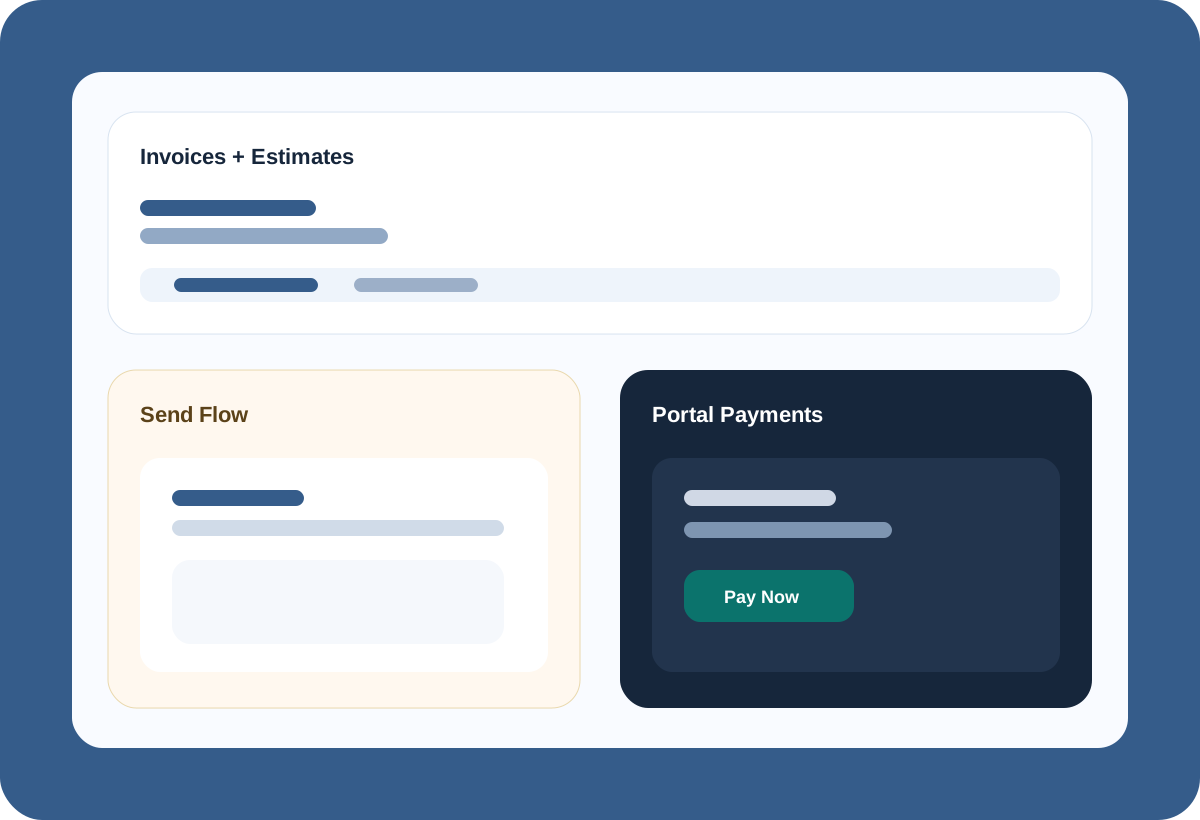
  • Invoices and estimates with create, edit, duplicate, convert to booking, and send flows
  • Customer, account, service, address, tax, notes, and totals context inside the billing record
  • Customer portal invoice views, payment methods, and payment flows tied back to the document
Invoices Estimates Send flow Portal payments Taxes + notes
Invoice product visual
Operational outcomes

Why teams buy Invoice in the first place.

Make billing a real operational step

Invoices should follow the work, not restart the story at the end of the job.

Keep customer and account context in the document

Billing is easier when customer, account, address, and service context already exist.

Give customers a cleaner payment path

Portal-facing invoice and payment experiences reduce manual back-and-forth.

Feature translation

What teams can actually do with it.

01

Full document lifecycle for invoices and estimates

Invoice already supports editing, duplicating, replacing, converting estimates, and managing archived records instead of treating billing like a single “make invoice” step.

List + detail views New + edit flows Estimate conversion Void + duplicate
02

Send and review with the right customer context

The send flow includes recipients, sender identity, subject/body editing, view links, saved recipients, and document-specific message review before delivery.

Send screen Recipients Sender identities View links
03

Customer portal payment experience built in

Public invoice pages, customer portal invoice viewing, and saved payment-method flows matter because collecting is part of the product, not just producing the document.

Public invoice page Portal invoice Portal payments Saved cards
04

Connected to Booking instead of isolated from it

Bookings can automatically generate invoices, and multi-service invoices can generate multiple bookings. That is the suite-level advantage: billing can follow the operational system.

Booking integration Service/address context Portal handoff Operational work settings
Billing documents with operational context
Invoices, estimates, send flows, and portal payment paths in one system.
Invoices Estimates Send Portal payments
Document lifecycle
Create, convert, duplicate, send, and track without leaving the system.
Customer-aware billing
Use account, contact, address, and service context inside the document.
Portal collection
Let customers view and pay through a dedicated invoice flow.
Why it lands

Invoice works best when billing follows the work instead of restarting it.

When customer context, job details, totals, taxes, and booking handoffs are already in place, the office can create, send, and collect faster with far less copy and paste.

Connected products

Invoice gets stronger when the rest of the suite does not have to relearn the same job.

Booking

Booking can hand work into billing with no copy and paste, just click to create.

CRM

Customer, account, contact, and address data are already in place before an estimate or invoice gets drafted.

Workflow

How teams use Invoice in practice.

Create an estimate or invoice from the right customer or account context
Review totals, taxes, notes, service and address details, then save or convert estimates to invoices or to new bookings
Send the invoice with custom messaging and recipient review
Let customers view and pay through the portal instead of relying on manual collection loops
Who it helps

Built for the people who have to keep operations moving.

For owners

Protect margin by keeping billing tied to the work that created it.

For office teams

Create, send, revise, and track billing documents in one operational flow.

For customers

Get a cleaner view-and-pay experience through the portal.

Keep exploring

See how Invoice fits into the wider operating system.

The strongest value comes from setting your structure up once and carrying the right context through bookings, labor, billing, and documents without rebuilding it at every step.