
Booking + scheduling

Capture better jobs, schedule faster, and stop rebuilding the same workflow every day.

Booking gives service teams a real front door for intake, scheduling, portal updates, and importing bookings from any system that can export them, so jobs can move forward with less office rework.
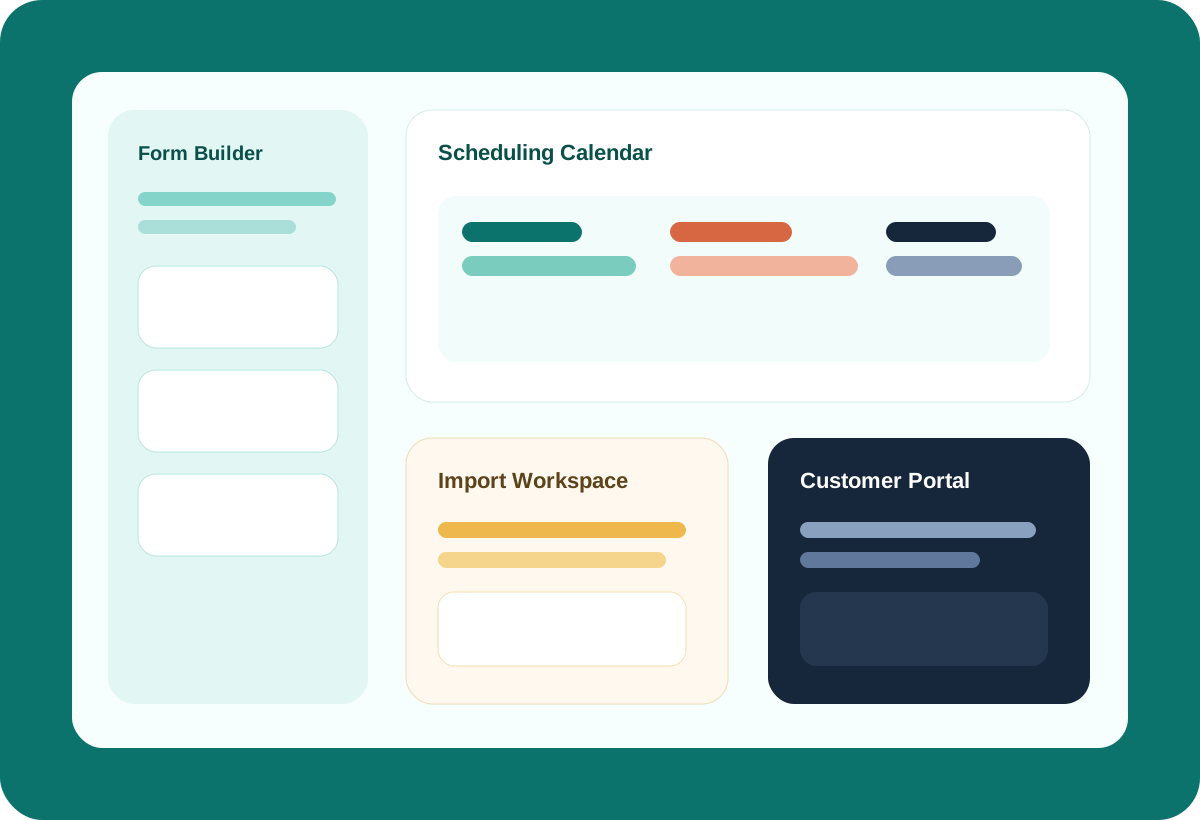
  • Build forms for any service and service-specific needs, including custom pricing and package options per service
  • Day, week, and month calendar with division, service, staff, and billing filters
  • Customer portal, schedule requests, view jobs, notifications, imports, and integration with timecards and invoicing
Form builder Calendar + drag scheduling Customer portal Imports Payments + taxes
Booking product visual
Operational outcomes

Why teams buy Booking in the first place.

Collect the right details up front

Turn intake into a real operational handoff instead of a messy office cleanup job.

Schedule around real teams and services

Match staff, teams, divisions, and service rules before the crew is on the way.

Keep customers in the loop without manual follow-up

Portal flows, requests, status views, and notifications reduce office back-and-forth.

Feature translation

What teams can actually do with it.

01

Custom form builder built for service complexity

The form builder supports sections, grouped questions, rate components, save-draft/publish flow, and an AI assistant for faster setup. This is built for real booking intake, not a generic contact form.

Form Builder Canvas AI Assistant Save Draft + Publish Division/service-aware forms
02

Calendar scheduling with operational filters

The calendar supports day/week/month views, division and service filters, staff filtering, billing readiness, drag scheduling, hover details, and fast booking access from the board.

Day / Week / Month Division + staff filters Drag scheduling Billing state filters
03

Booking becomes the upstream system for labor and billing

Booking is not a dead-end scheduler. It connects directly into timecards and invoicing, where labor records and billing documents can be auto-created from the booking.

Timecards integration Invoice integration Service + team context Operational handoff
04

Customer-facing experiences without leaving the system

Customer portal pages cover bookings, jobs, requests, schedules, notifications, profile updates, login, password reset, and handoff flows so the customer side is not an afterthought. Change requests and cancellation requests are supported along with rules and options to make life easier for you.

Portal home Jobs + requests Notifications Profile + auth flows
05

Historical imports that can actually be reviewed

Booking imports include staged review, column mapping, issue fixing, saved progress, and import results. That matters when you are moving real operational history.

Saved import workspace Needs review flow Session recovery Delete import safely
Booking workspace
Forms, imports, scheduling, and customer-facing visibility in one flow.
Builder Calendar Portal Imports
AI-assisted form setup
Draft faster, publish cleaner intake flows.
Staff-aware scheduling
Staff can manage their own schedules, work can be auto-assigned, and time-off or vacation requests are built into the flow.
Historical import review
Map values, fix rows, then import with confidence.
Why it lands

Booking works best when it becomes the real front door to the job.

The better intake, scheduling, customer visibility, and payment setup happen here, the less office cleanup the rest of the operation inherits later.

Connected products

Booking gets stronger when the rest of the suite does not have to relearn the same job.

Timecards

Booking can hand work forward into labor tracking so crews and hours stay tied to the original job context.

Invoice

Billing can follow the job and customer details already captured in Booking instead of being rebuilt later.

CRM

Customer, account, and address context can stay attached while the office moves from request to schedule to follow-up.

Workflow

How teams use Booking in practice.

Build and publish a service-specific request flow
Auto-assign the right team and maintain customer visibility through the portal
Assign the right team and maintain customer visibility through the portal
Take payments automatically, issue refunds or partial refunds, place holds, and more right from your booking interface
Who it helps

Built for the people who have to keep operations moving.

For owners

Reduce chaos between intake, dispatch, and customer communication.

For office teams

Run forms, requests, and scheduling in one place while making timecards and invoicing easier for the office team.

For staff

Get clearer assignments, cleaner schedules, and fewer broken handoffs.

Keep exploring

See how Booking fits into the wider operating system.

The strongest value comes from setting your structure up once and carrying the right context through bookings, labor, billing, and documents without rebuilding it at every step.