
Reduce missing time and re-entry work
Recurring work should not need to be keyed in by hand every time.
Timecards covers manual entry, approvals, reporting, and auto-created timecards from Booking so labor tracking stays fast for both recurring work and day-to-day exceptions.
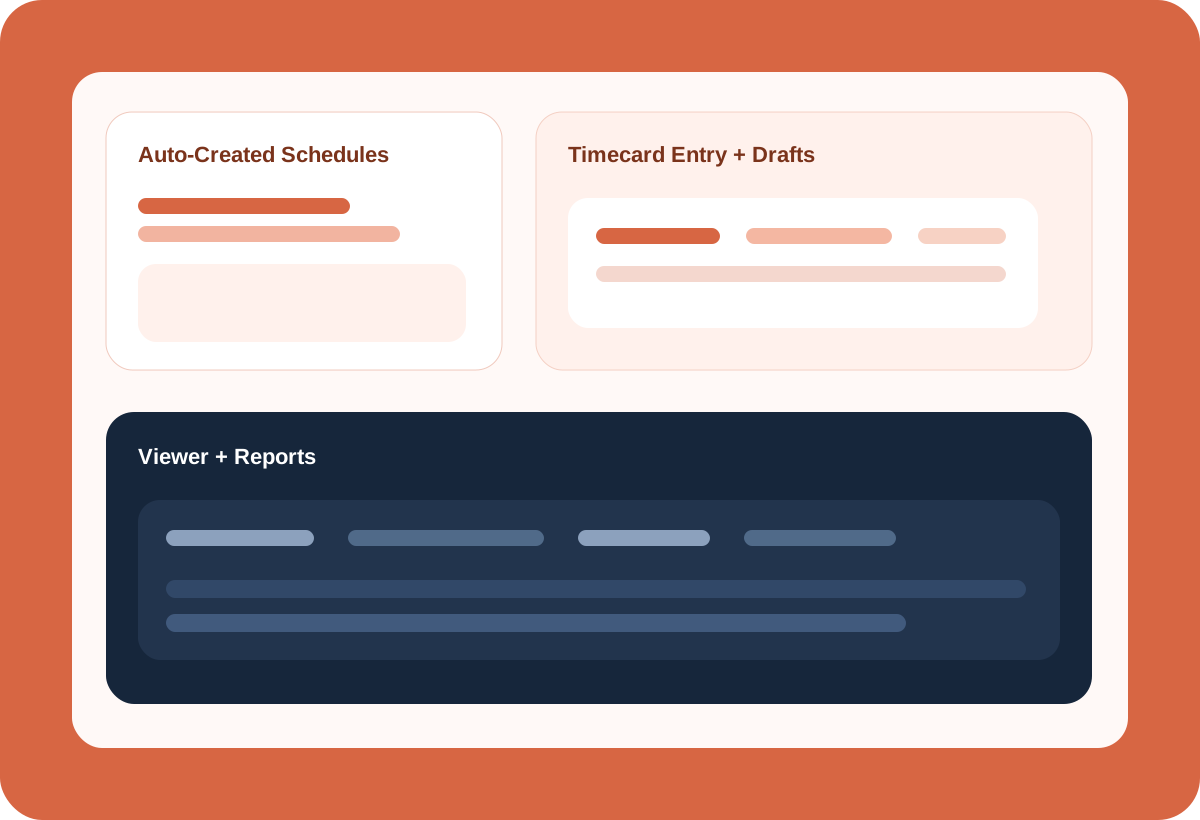
Recurring work should not need to be keyed in by hand every time.
Division, service, team, role, notes, and billed/worked hours all matter.
Viewer and reports are built into the same product surface.
Auto-create schedules support timezone-aware run times, weekly day rules, skip dates, division/service/team prefills, role and work-day type assignment, and hours/billing fields.
Staff can add timecards manually, managers can review and approve them, and recurring schedules can auto-create timecards for teams doing the same work and hours on a regular basis.
When Booking is already in place, timecards can be auto-created from the job with the right divisions, services, teams, and schedule context already attached. That is one of the clearest suite-level advantages.
Use powerful reporting, highly customized filters, and export template creation so labor data can move quickly into external workflows when it needs to.
When bookings, teams, services, and schedules already exist, staff can add time manually, managers can review and approve it, and recurring work can auto-create cleaner timecards with less correction later.
These are anonymized in-product views, included to show how the workflow actually feels once your team is inside the app.
Managers can quickly see pending, approved, and paid-out labor from the same dashboard.
The viewer keeps staff, dates, jobs, hours, bonuses, tips, totals, and approval state in one reviewable surface.
Payment runs give office teams a clean place to review paid periods and amounts.
Set recurring rules, run times, dates, and prefills so predictable work can create cleaner timecards automatically.
Create drafts in batches while still keeping dates, staff, teams, services, and roles attached.
Booking can auto-create the timecards, so labor tracking starts without the office rebuilding the same job details by hand.
Managers can review labor and spend through a more consistent operating context instead of isolated admin tools.
Use powerful reporting to understand labor hours, performance, and trends before they turn into bigger operational problems.
Review and approve timecards while still automating recurring records for teams doing the same work on a regular basis.
Enter, review, and report on time from one place.
The strongest value comes from setting your structure up once and carrying the right context through bookings, labor, billing, and documents without rebuilding it at every step.